A Mobile App for Inventory, Invoices and Housing Workflows.
The Saldofy mobile app helps handle everyday work where it actually happens: in the warehouse, away from the office or on a housing association site.
Download the Saldofy mobile app
The Saldofy mobile app is on the App Store for iPhone and on Google Play for Android: invoices, till and expenses on your phone. Scan a QR code from your computer screen or tap a badge on your phone.


 iPhone
 Android
Apple, the Apple logo and App Store are trademarks of Apple Inc., registered in the U.S. and other countries. Google Play and the Google Play logo are trademarks of Google LLC.
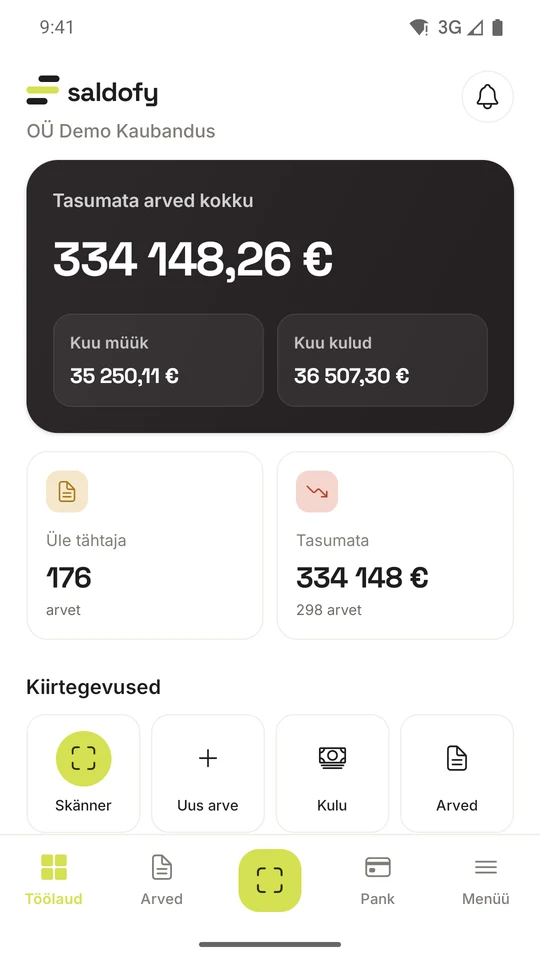
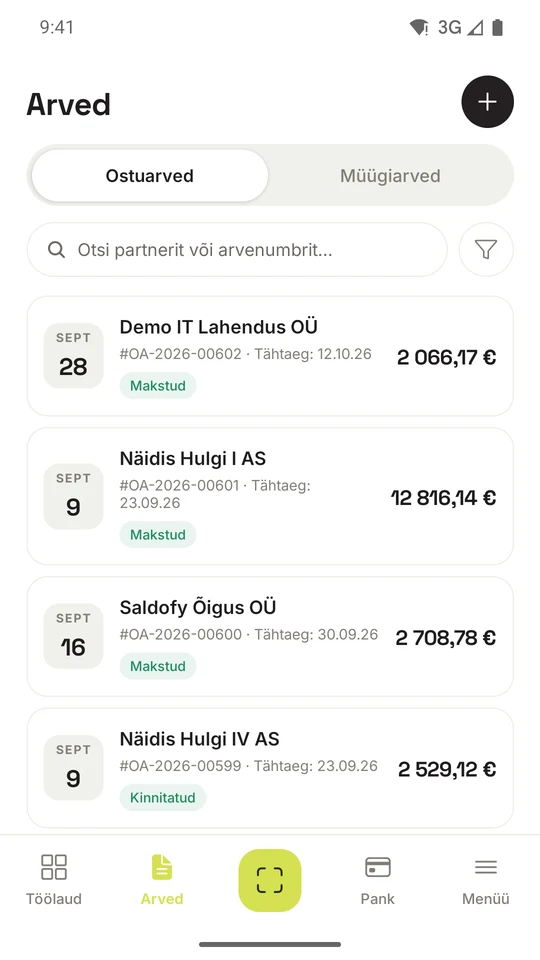
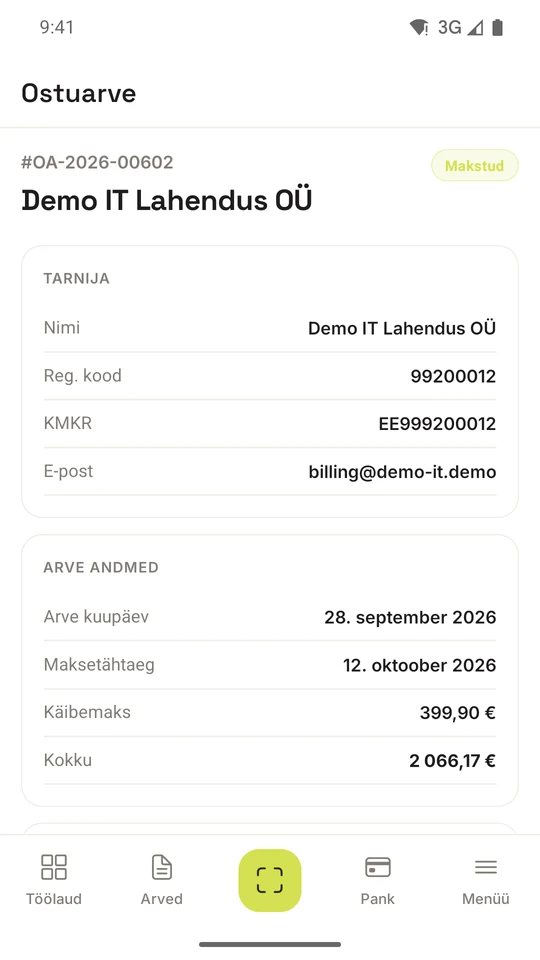
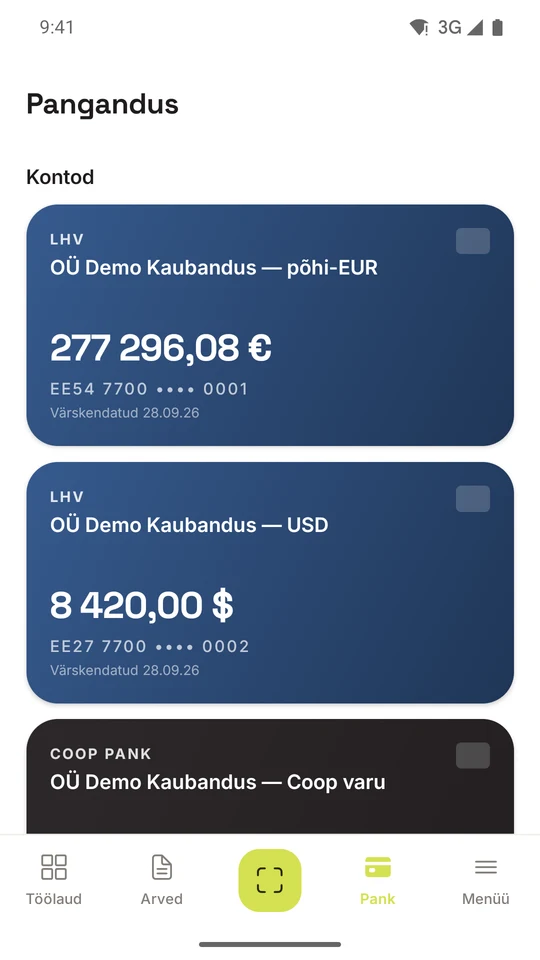
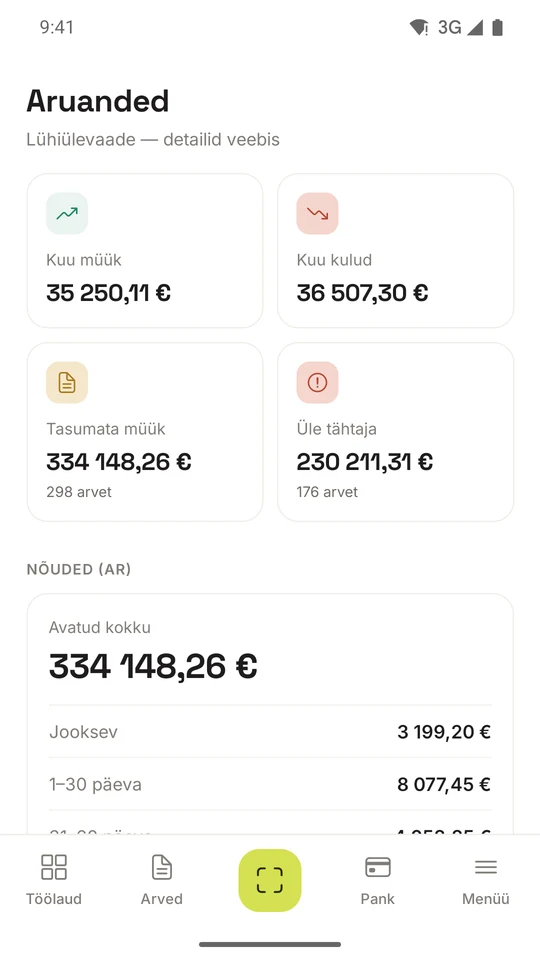
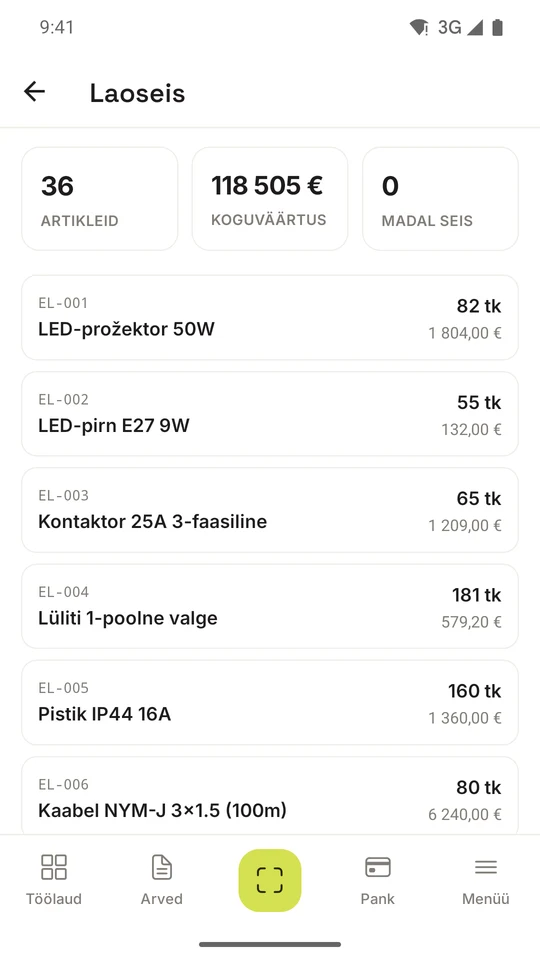
Saldofy Mobile App for Inventory, Invoices and Housing.
When a purchase invoice, stock count or housing issue waits until someone reaches a computer, details can be forgotten. The mobile app helps send information into Saldofy right away from Android and iOS devices.
Workflow and checks.
Take a photo of a purchase invoice and Saldofy helps pre-fill the accounting workflow.
Scan products, serial numbers and batches, and enter inventory counts directly from a phone.
View products, stock and active counts without a desktop computer.
Housing portal workflows, invoices, announcements and maintenance cases are available from a smartphone.
Mobile capture reduces the risk that purchase invoices stay forgotten in a pocket, inbox or photo gallery.
Sign in and check the selected company and permissions.
Photograph a purchase document or identify stock with supported scanning.
Verify that the data reached the company's workflow.
Related capabilities.
Purchase invoice capture.
Products and stock.
Inventory counts from a phone.
Barcode, serial and batch scanning.
Housing portal.
Android and iOS devices.
What to check before starting.
The mobile app uses the same company data and permissions. Camera and scanner results need review; operations requiring a connection do not automatically become available offline.
See also related topics.
Explore other Saldofy topics that may fit your company's workflow.

More guides
Last updated
Frequently asked questions.
Yes. You can take a photo or select an image from the gallery, and Saldofy helps pre-fill the purchase invoice workflow.
Yes. The mobile app supports inventory counting and entering stock data directly from the phone.
Yes. Housing portal views, invoices, announcements and maintenance cases are available from the mobile app.
The Saldofy mobile app is built with Expo React Native and is designed for Android and iOS devices.
See how it works for your company.
Create a free account, test with your workflows and see how invoices, taxes, payroll and reports come together in one environment.