Café and bakery POS system.
Saldofy's POS system for cafés and bakeries is built for fast counter service: pastries from favourite buttons, goods sold by weight straight from the counter scale and loyalty cards on the same till. Every sale updates stock and reaches your accounts through the till's daily summary.
Two rush hours a day: the queue and the close.
A café or bakery earns much of its day in a couple of hours. Customers want a flat white and a cinnamon bun to go and expect to tap their card and leave. Most of what sits behind the counter has no barcode, and cookies or bread may be sold by weight. Every second spent searching for a product on the till screen lengthens the queue.
The second rush comes after closing: how much was baked, how much was sold, what is left over and whether the cash drawer matches. When the till, stock records and bookkeeping live in separate programs, someone copies those figures by hand and mistakes surface at month end. In Saldofy the till, inventory and accounting share one set of records.
A morning order, step by step.
One ordinary purchase, from opening the shift to the receipt. Each step is part of the Saldofy till and is set up per sales point.
The cashier opens the shift with one button. The float left in the drawer at the previous close is already filled in, and only a different amount asks for a reason.
Coffee and pastries come from favourite buttons grouped into tabs such as drinks, buns and cakes. Tapping the same product again increases the quantity on its line.
Cookies sold by weight go on the counter scale. The till reads the stable weight, deducts the tare and prices the line from the price per kilo.
A quantity offer, for example three identical buns for a lower price, applies automatically once the basket qualifies, so nobody has to remember it.
A regular shows the loyalty card QR code or gives a phone number. The till finds the card and can apply the voucher with the largest discount.
The card button opens payment with the amount filled in. A connected Ingenico or SumUp Solo terminal receives the amount from the till, and the confirmed payment is linked to the sale.
The customer takes a paper receipt or scans a QR code on the customer display to open an e-receipt on their phone. Receipt printing can be switched off for a till that does not need paper.
What the till handles in a café or bakery.
Favourite buttons
A manager arranges the button panel for a sales point: tabs, labels, colours and order. One panel can be assigned to several tills. On a keyboard, F9 takes a card payment and F10 cash.
Counter scales
The till reads the scale in Chrome or Edge. Scales using the CAS PR-II protocol and scales that send a continuous reading are supported. Without a scale, the cashier types the weight.
Pre-packed goods and labels
In the weighing view each pack is weighed and labelled with weight, price and barcode, then taken into stock. The till reads the weight from the label barcode. On a supported label printer the label can carry ingredients, allergens and a best-before date.
Evening markdowns
A price rule can apply on chosen weekdays and between chosen times, for example a lower price on the day's pastries from 18:00. The pricing simulator lets you test a rule on a sample basket first.
Loyalty card and points
Customers sign up on their own phone through a QR code at the counter. The programme can give welcome and birthday vouchers and collect bonus points that the cashier turns into a voucher when the customer asks.
Customer display
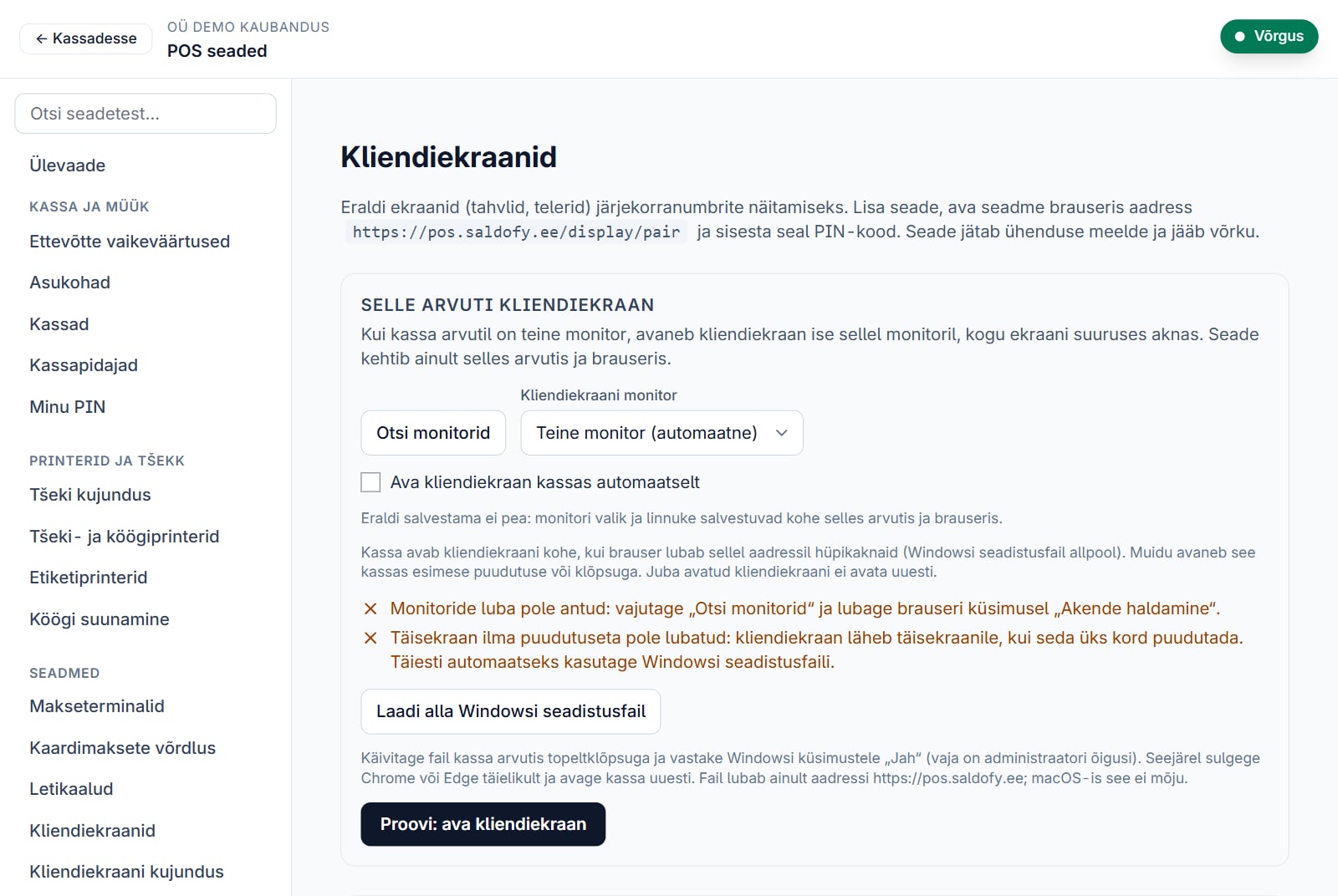
On a second monitor the customer sees the basket and total. Your images and videos rotate beside it and can be limited to chosen sales points and campaign dates.
Daily bakes, stock and leftovers.
The till sells from the same product register as Saldofy inventory. Bring the morning bake into stock with a stock-in document. If you use the manufacturing module, assembly by recipe takes the ingredients out of stock and puts the finished products in at the ingredients' cost. Each sale reduces stock at the moment of sale, so you can see during the day what is still on the shelf.
Leftovers at the end of the day can be written off with a stock-out document, or compared with the stock figure through a partial stocktake. The till's stock view shows each product's sales rate over the last 30 days, which helps you decide how much to bake tomorrow. A stock rule per sales point decides whether the till sells an item that is out of stock with a warning, asks for confirmation or refuses.
Example: one day at a fictional bakery café.
A small bakery café bakes 50 croissants and 30 sourdough loaves every morning and brings them into stock at 7:00. Between 7:30 and 10:00 two tills run: one for takeaway at the counter and one for guests who sit down. Croissants go through favourite buttons, sourdough is sold by weight from the counter scale and regulars collect points on their loyalty card.
At 18:00 a time-based price rule marks down the remaining pastries. At closing eight croissants are left, and the manager writes them off. The cashier counts the drawer without seeing the expected amount, and the day's sales reach the books through the daily summary. A week later the hourly heatmap in POS analytics shows the peak starting at 8:00, so the second cashier starts earlier. The business and its figures are fictional.
Running a café in Estonia with Saldofy.
Each user works in their own language: the till follows the user's choice of Estonian, English or Russian, and the receipt language is set per sales point. Till receipts without an invoice flow into the Estonian VAT return (KMD) by VAT rate, so takings are not re-entered for the tax return.
The till runs in a browser on a Windows PC, Mac or Android tablet with Chrome or Edge. It keeps selling through a short internet outage if the sales screen was opened online on the same device and browser before. Loyalty cards, coupons, gift cards, refunds and switching cashiers need a connection, and card payments and printing may need one too.
See also related topics.
Explore other Saldofy topics that may fit your company's workflow.

More guides
Last updated
Frequently asked questions.
Yes. A café relies more on favourite buttons and quick card payment, a bakery also on weighed goods, labels and stock. Both sell on the same till and post to the same accounts. If your café has table service, the sales point can use the restaurant or café type with a floor plan.
Add them to the favourite button panel and group them into tabs. The cashier taps a button and the product lands on the receipt. A barcode scanner remains useful for packaged goods such as bottled drinks or packs labelled in the weighing view.
Scales using the CAS PR-II protocol and scales that send a continuous reading. The scale connects by USB or serial port and is read in Chrome or Edge on a Windows PC, Mac or Android tablet (on Android with a Prolific PL2303 cable). Scales do not work on iPad or iPhone. Check your model in a demo before buying.
Take the morning bake into stock with a stock-in document, or by assembling it from a recipe if you use the manufacturing module. Packs weighed in the weighing view go into stock as they are labelled. Unsold items can be written off with a stock-out document, which also posts to the general ledger.
Yes. The till interface follows each user's language setting (Estonian, English or Russian), and receipts can be printed in Estonian, English or Russian per sales point. Russian receipts need a receipt printer code page that supports Cyrillic.
Partly. A prepared till keeps selling ordinary items at the same prices and takes cash. Loyalty cards, coupons, gift cards, refunds and switching cashiers need a connection, and card payments and printing may need one. Receipts are sent to Saldofy when the connection returns.
Saldofy POS is a paid package with a monthly fee that includes the till, accounting and inventory; each additional till costs extra. Annual billing gives 12 months for the price of 10. Current packages and prices are on the price list.
See the café till with your own products.
In a demo we walk through your pastries, weighed goods and loyalty card on the till and show how the day's sales reach your accounts.