Free payroll for a small company in Estonia: taxes, payslips and TSD.
Free payroll in Saldofy is part of the permanent Saldofy Free plan: pay for up to two employees in an active employment relationship is calculated under Estonian tax rules, the payslip and TSD data come from the same calculation and the payroll entry reaches the ledger by itself. It is not a trial or a cut-down version; for payroll the only limit in the plan is the number of employees.
Who free payroll is for.
A typical case: a private limited company (OÜ) where the owner sits on the management board and one or two people are on the payroll, for example a sales assistant and a tradesperson. Until now pay was worked out with a calculator, the payslip was made in Excel and the TSD lines were typed into e-MTA, the tax authority's portal, by hand. In Saldofy Free you do all of this in the accounting software you already use, with no monthly fee for it.
The limit counts only employees whose employment is in force. A person who has left does not take a place, and the limit is checked only when you open a new employment or reopen one that ended. When the limit is reached, Saldofy stops the new employment from being created and offers a choice of plans; employees already added and the whole payroll history stay unchanged.
What is free and where the limit lies.
Payroll is part of accounting, not a separately charged module. Plans differ in the number of employees and the volume of invoices, not in payroll features: the free plan has the same tax calculations, payslips, TSD and bank payment as a paid one.
Payroll by plan, as of 15 November 2026. The price list always shows the current limits and prices.
A payroll month step by step.
Add the employee: personal identification code, employment contract, bank account and the application for the basic exemption (maksuvaba tulu). You can also bring in active employments from the employment register (TÖR).
The employee list shows what is missing: no employment contract, an employee not registered in TÖR, or the basic exemption applied without an application.
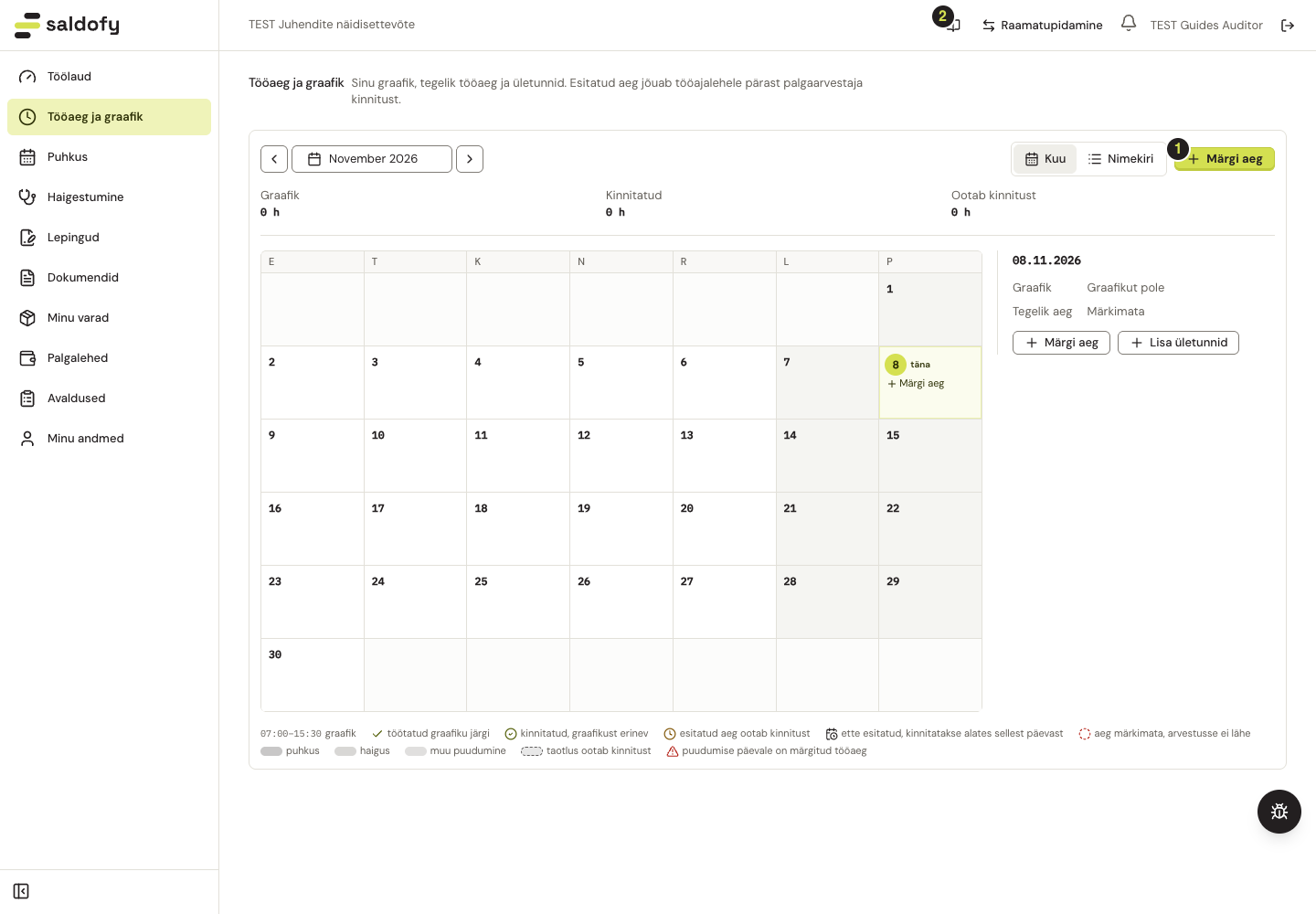
Record holidays and sick leave. Payroll reads them by itself and the monthly salary is reduced for the absence.
Check the pay in the preview: monthly salary, hourly or piece rate, bonuses, overtime, night and public holiday supplements, and the total employer cost.
Confirm the payroll: payslips are locked and the payroll entry is posted to the ledger in the same action.
Pay salaries through the bank connection, or download a SEPA payment file (pain.001) and make the payment in your internet bank.
File TSD by the 10th of the month after the payment. The payment data comes from the confirmed payslips.
What the pay calculation covers.
Taxes and contributions
Income tax, social tax, employee and employer unemployment insurance contributions and the funded pension (II pillar) contribution. Rates come from the version in force on the payment date, and if that version is missing the calculation stops instead of falling back on a default value.
Special cases
An employee of old-age pension age has their own basic exemption and no employee unemployment insurance contribution is withheld. The minimum social tax obligation is reduced proportionally for absences.
Holiday pay and sick pay
Holiday pay is calculated from average earnings under Government Regulation No. 91. Sick pay paid by the employer is also based on average earnings and appears on the payslip as a separate line.
Deductions
Maintenance support, trade union fees, repayment of an employee loan, compensation for damage, and attachment orders from a bailiff or EMTA. Deductions never take net pay below the protected amount.
Fringe benefits
Fringe benefits are kept in a separate register for TSD annex 4, not in a note on the payroll, so they reach the return on their own line.
Working time
For hourly pay, actual hours come from the timesheet, which you fill in by hand or from a CSV or XLSX file, from the work schedule or from card reader readings. A final payslip cannot be confirmed on forecast hours.
Payslips and the employee portal.
The payslip is a PDF in one of two designs, and the company decides whether it shows the logo, personal identification code, bank account and remaining holiday. You can e-mail payslips straight away or automatically once the bank has paid the salary. The e-mail goes to the employee's personal address, or to the work address if there is no personal one.
Employees log in to the employee portal with an ID card, Mobile-ID or Smart-ID and download their payslips themselves. The payslip is available in Estonian, Russian and English, including the names of the system pay types. An issued payslip stays exactly as it was issued: a later correction is made as a separate calculation and does not change a document the employee has already received without their knowledge.
TSD: what Saldofy does and what you do.
TSD, the Estonian return for income and social tax, is cash based: pay is declared in the return for the month in which it is paid out, and the deadline is the 10th of the following month. July's salary paid in August therefore goes into the August TSD. Saldofy prepares the payment data from confirmed payslips, and the payment window shows before you pay which month's TSD the payment will go into.
From October 2026, payments are reported to EMTA as data-based TSD, line by line. If the company has given Saldofy the required right in e-MTA, you send the payments straight to EMTA over X-tee and see the status of every line; otherwise you upload the file Saldofy prepares to e-MTA. You confirm the monthly return with a confirmation file signed in DigiDoc4 with an ID card, Smart-ID or Mobile-ID and uploaded to Saldofy. Annexes 3 and 8 are filled in in e-MTA.
Example: a small bakery with two employees.
In a small bakery the owner sits on the management board and two people are on the payroll: a baker on a monthly salary and a sales assistant paid by the hour who works at weekends. At the end of the month the assistant's hours come from the work schedule into the timesheet. The baker took five days of annual holiday, which is in the absence register, so the monthly salary is reduced and holiday pay based on average earnings is added to the payslip as a separate line. The owner checks net pay and employer cost in the preview, confirms the payroll and the payroll entry is posted in the same action.
Salaries go out through the LHV bank connection, and the payslips are sent automatically once the bank has executed the payment. At the start of the next month the owner reviews the payments on the TSD page and sends them to EMTA. In spring the bakery wants to take on a third person for the summer. When the new employment is created, Saldofy says the Free plan limit has been reached. The owner chooses the Growth plan, where the number of employees is unlimited, and the payslips and returns of earlier months stay in place.
Honest about the limits.
The payroll module is designed for clear monthly pay for a small team. For the first months, run payroll in parallel with your previous program or calculation and compare the result to the cent. Talk more complex cases through with us first, for example retroactive corrections that span several months.
A payment file or a return file does not yet mean that the bank has paid or that EMTA has accepted the return. You see the payment status from the bank and the return status from EMTA's response, not from the fact that a file exists.
When the free plan is no longer enough.
When the team grows beyond two people, choose Saldofy Growth or another plan where the number of employees is unlimited. Saldofy Solo has the same payroll limit as the free plan, but no limit on the number of sales and purchase invoices. Changing plans never closes an employment, and all payroll data stays in place.
With annual billing you pay for 10 months and get 12, and AI features are included in the price. You can try a paid plan in full during a trial period before paying, and if you do not choose a plan, the company automatically continues on Saldofy Free.
See also related topics.
Explore other Saldofy topics that may fit your company's workflow.

More guides
Last updated
Sources and further reading
Frequently asked questions.
Yes, for up to two employees in an active employment relationship. Payroll with payslips, bank payment and TSD is part of the permanent Saldofy Free plan, with no time limit and no payment commitment. The current limit is always shown on the price list.
Only employees whose employment is in force. A person who has left does not take a place, and the limit is checked only when a new employment is opened, so a change of plan never closes an existing employee.
Saldofy stops the new employment from being created and offers a choice of plans. Saldofy Solo has the same limit; in Growth and the other paid plans the number of employees is unlimited. Existing payroll runs and employees do not change.
Saldofy prepares the TSD payment data from confirmed payslips. You can send it over X-tee if the company has given the required right in e-MTA, or upload the file to e-MTA. You confirm the monthly return yourself, and annexes 3 and 8 are filled in in e-MTA.
Yes. The payslip is produced in Estonian, Russian or English. You can e-mail it, or the employee downloads it from the employee portal.
Yes. Holidays and sick leave flow into the payroll period automatically. Holiday pay and sick pay paid by the employer are calculated from average earnings and appear on the payslip as separate lines.
Yes, if your bank is connected to Saldofy and supports sending payments, currently LHV and Coop Pank. For other banks Saldofy prepares a SEPA payment file (pain.001) that you upload to your internet bank.
Run your first payroll for free.
Register your company, add an employee and take one payroll month through to the payslip and TSD. The plan limits are on the price list.